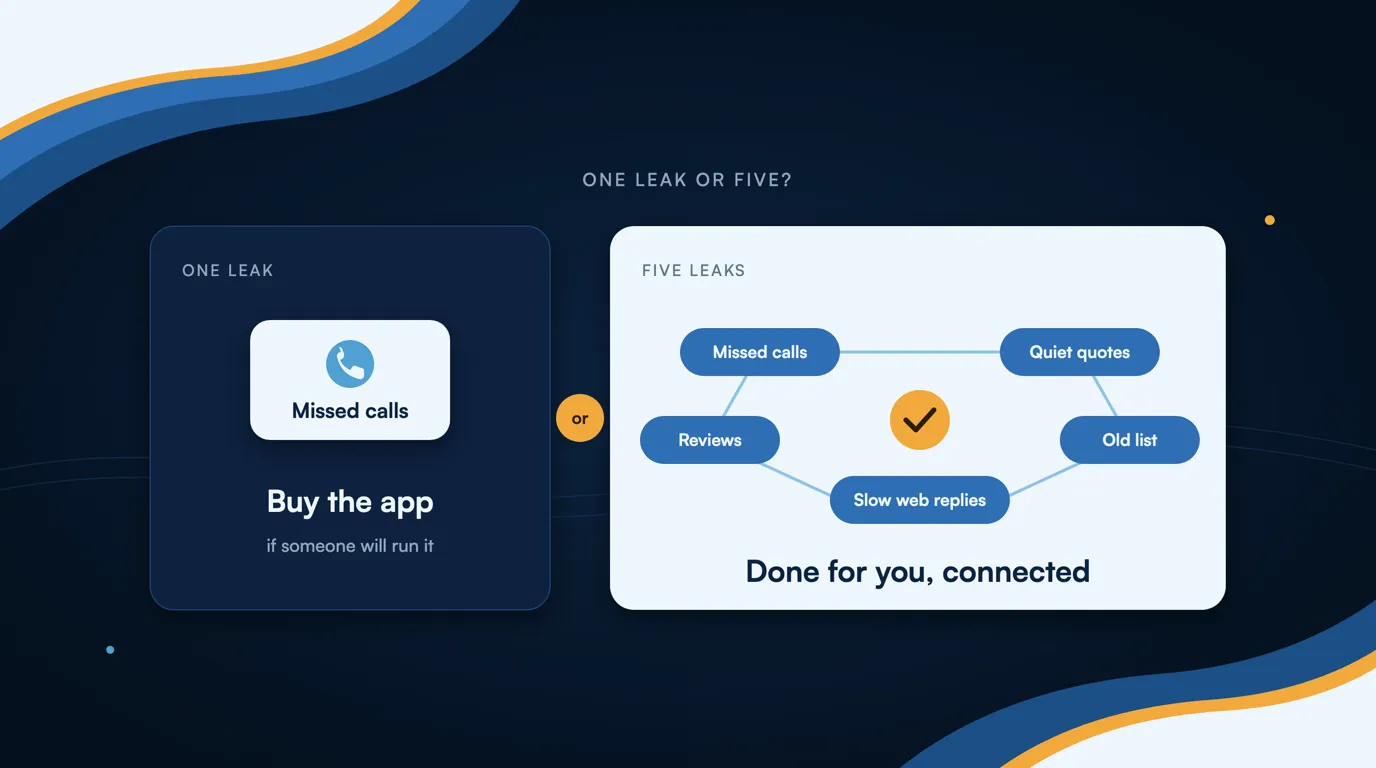
The five automations most worth setting up first in a service business are: an instant text reply to every new enquiry, automatic review requests after each job, online booking with reminders, an AI chat on your website, and a follow-up sequence after the job is done. Start with the instant reply, because it’s the quickest to set up and the quickest to pay off. Each one works on its own, so you can add them one at a time.
You don’t need a big overhaul or a six-month project. Below, each automation has what it does, roughly how long it takes to set up, and a rough monthly cost. The costs are typical ranges for the kind of tool involved, not quotes, so check current prices before you buy.
1. Instant lead response by text
The longer a new enquiry waits for a reply, the less likely it is to turn into a job. Yet many service businesses take hours, sometimes days, to reply.
How it works:
- Someone fills in your website form, sends a Facebook message or enquires through Google
- Within seconds, they get a text acknowledging the enquiry and asking a useful question
- Their details are logged in your CRM or a spreadsheet
- You get a notification with the details, so you can follow up properly when you’re free
Setup time: about an hour with a tool like Make or Zapier.
Rough cost: around $20 to $50 a month for the automation tool, plus a few cents a text.
Why it matters: you reply while the customer is still deciding, instead of after they’ve rung someone else. Missed calls are the same problem by phone: here’s what they cost and how to fix them.
2. Automated review requests
Most happy customers don’t leave a review unless you ask, and asking by hand after every job is one of those tasks that falls off the list.
How it works:
- When a job is marked complete (or the final invoice goes out), the customer gets a short text or email
- It thanks them and includes a direct link to leave a Google review
- If they don’t respond within a few days, one gentle reminder goes out
- New reviews trigger a notification so you can reply to them
Setup time: one to two hours.
Rough cost: around $20 to $50 a month.
Why it matters: when every customer is asked at the right moment, reviews stop depending on you remembering. Fresh Google reviews help you show up in local search, and AI answers draw on them too. Ask every customer the same way: don’t offer rewards for reviews or only ask the happy ones.
3. Online booking and reminders
If you still book by phone and send reminders by hand, you’re spending hours each week on work a booking tool does for you.
How it works:
- Customers book through an online scheduler that syncs with your calendar
- They get an automatic confirmation with the details
- A reminder text goes out 24 hours before, and another 2 hours before
- They can reschedule themselves through the booking link
- No-shows and cancellations are tracked
Setup time: two to three hours with a tool like Calendly or TidyCal, or the booking feature in your job software.
Rough cost: around $15 to $40 a month for the booking tool.
Why it matters: fewer forgotten appointments and less phone tag. An illustration with made-up numbers: a physio clinic charging $90 a session that fills two extra slots a week gains about $780 a month, before counting the time saved chasing confirmations.
4. AI chat on your website
A website chat answers visitors’ questions straight away, takes their details and works around the clock. Modern AI chat understands normal questions and gives useful answers, if it’s given your business information.
How it works:
- A chat window sits on your website, usually in the bottom corner
- Visitors ask about your services, prices, availability and service areas
- It answers from your own business information, and only what you’ve approved
- When a visitor is ready, it takes their details and books them in or notifies you
- Every conversation is logged, so you can see what people ask
Setup time: two to four hours to set up and load your information.
Rough cost: around $30 to $100 a month, depending on the platform and how many chats you get.
Why it matters: more visitors leave their details instead of leaving. The biggest gain is after hours, when someone browsing your site at 9pm can get an answer instead of moving on. How to choose an AI chatbot platform.
5. Follow-up after the job
The relationship shouldn’t end when the job is done. A follow-up sequence brings repeat work and referrals without you having to remember.
A typical sequence:
- Day 1 after the job: a thank-you and a review request
- Day 7: a useful tip about the work (for example, how to look after a new air conditioner)
- Day 30: a check-in to ask if everything’s still working
- Day 90: a reminder about seasonal maintenance or related services
- Day 365: a reminder that it may be time for a service or inspection
Setup time: two to three hours to write the messages and set up the sequence.
Rough cost: around $20 to $50 a month, often included in your CRM or email tool.
Why it matters: past customers already know and trust you, so winning repeat work from them is usually easier than finding new customers. An air-conditioning installer who sends a maintenance reminder before summer fills the calendar with repeat bookings.
One rule: in Australia, messages that promote your services (like the day 90 and day 365 reminders) are marketing under the Spam Act. Send them only to customers who’ve agreed to hear from you, and include your business name and a way to opt out. What you’re allowed to send, in plain English.
Which automation should you set up first?
If you’re starting from nothing, this is the order I’d recommend:
- Instant lead response: the quickest to set up and the quickest to pay off
- Review requests: it builds over time and helps everything else (search, AI answers, trust)
- Booking and reminders: it saves the most time week to week
- Website chat: it catches enquiries you’re missing after hours
- Follow-up after the job: it builds repeat work over the long run
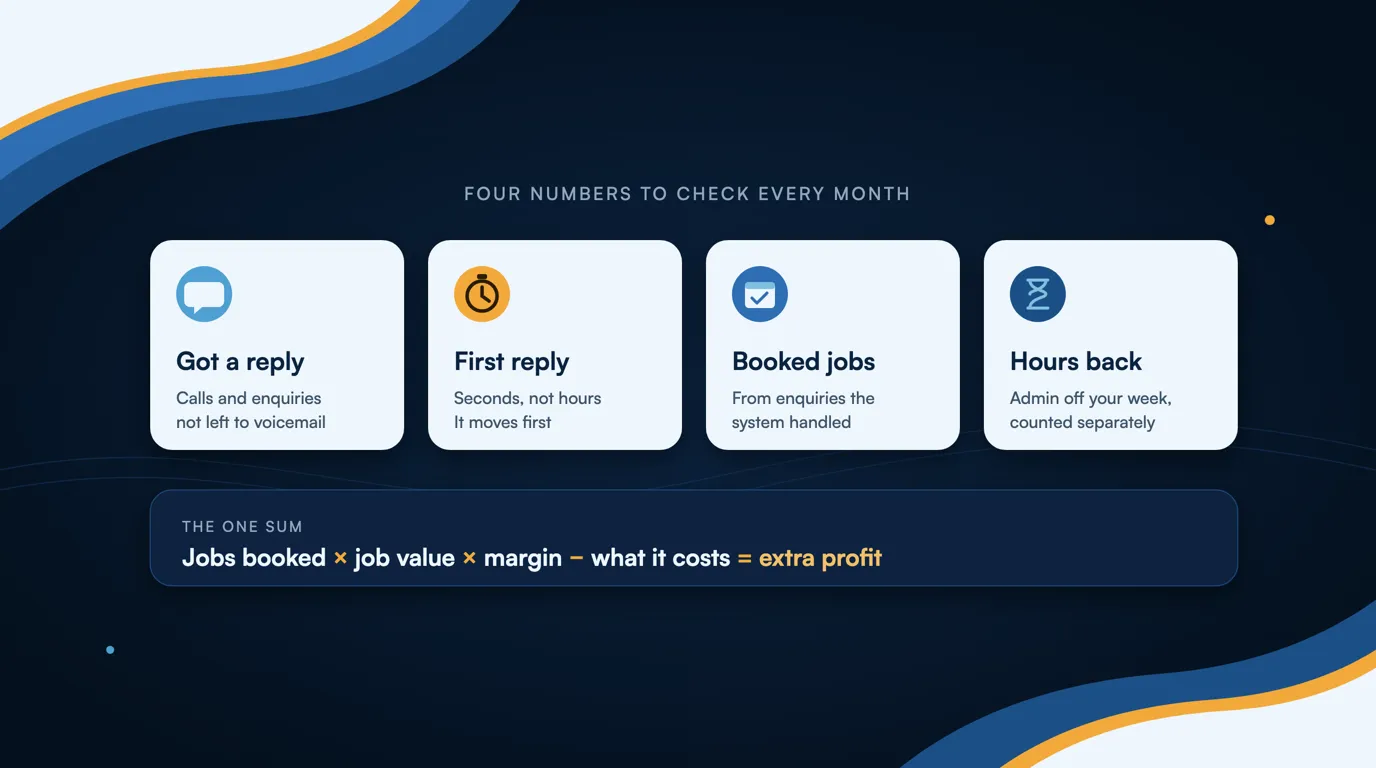
You don’t need all five at once. Get one running, then add the next. Each works on its own. Once one is live, here’s how to tell whether it’s paying off.
What if you already have a list of old enquiries?
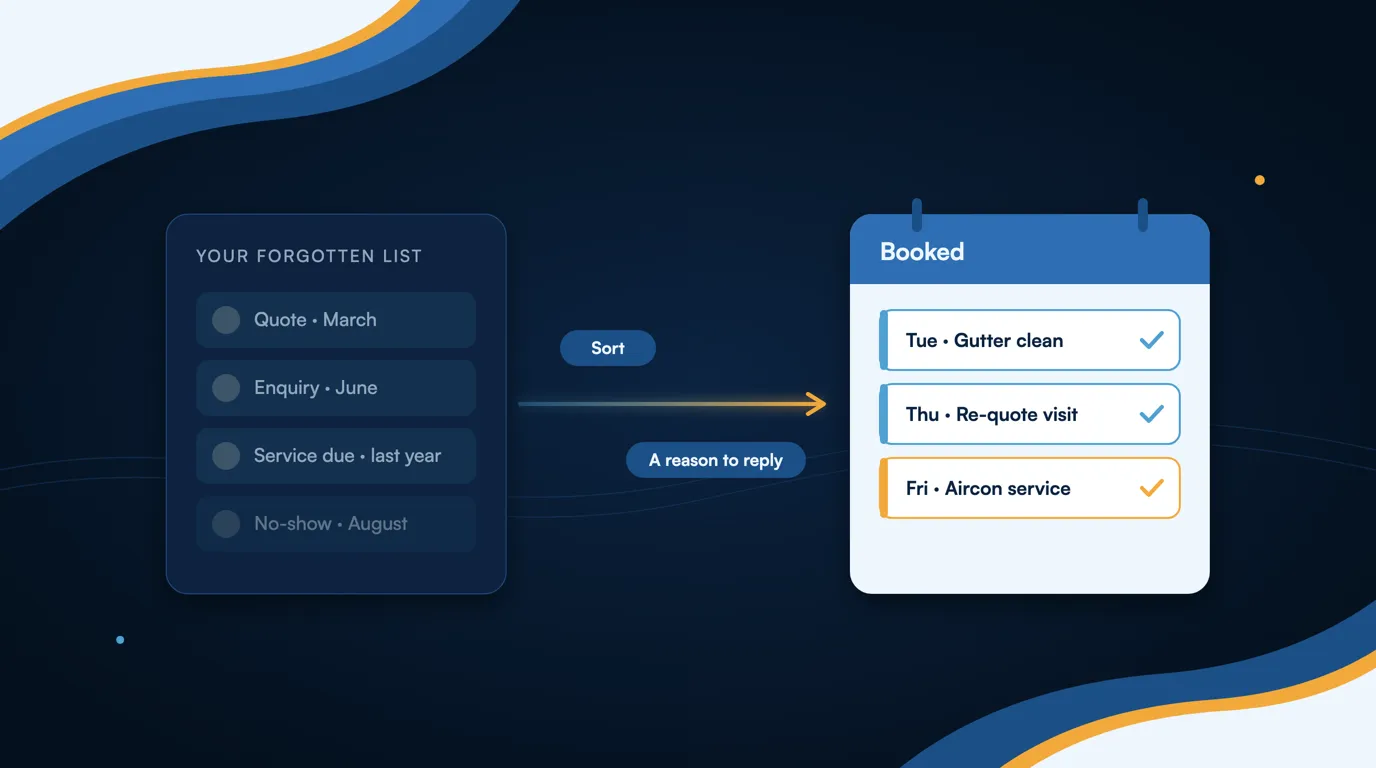
These five automations look after new enquiries and current customers. If you also have old quotes and past enquiries that went quiet, following them up is a separate job, with its own rules about who you’re allowed to contact. What lead reactivation is and when it works, and what to do about old quotes that never replied.
Want these set up for you? Brightwater Digital builds them inside the tools you already use, for Australian service businesses. See the Brightwater System or book a free AI audit.